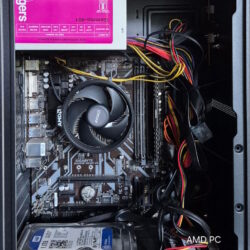
Turn an old Windows PC into a reliable home lab with practical guidance on hardware, virtualization, networking, security, backups, and troubleshooting.

Your Technology Advisor
Your Technology Advisor
Turn an old Windows PC into a reliable home lab with practical guidance on hardware, virtualization, networking, security, backups, and troubleshooting.
Excel formula errors are useful clues once you know how to read them. Here’s what #DIV/0!, #VALUE!, #REF!, #N/A, #SPILL! and other common error codes actually mean, and how to fix each one properly.

Forty-five keyboard shortcuts that work across Chrome, Firefox, Edge, Safari, and Brave — covering tabs, navigation, search, bookmarks, and more.
The Windows Run dialog is one of the fastest ways to reach system tools, settings, and apps — if you know what to type. Here are the most useful Run commands every Windows user should have up their sleeve.

Learn how to record phone calls legally and clearly on iPhone, Android, or using hardware solutions with step-by-step instructions.
Compare the top translation apps—including Google Translate, DeepL, Microsoft Translator, and Naver Papago—to find the right tool for travel, work, and Asia trips.

Learn how to use Grammarly to eliminate sentence clutter, adjust tone for any audience, and turn automated feedback into lasting English writing skills.
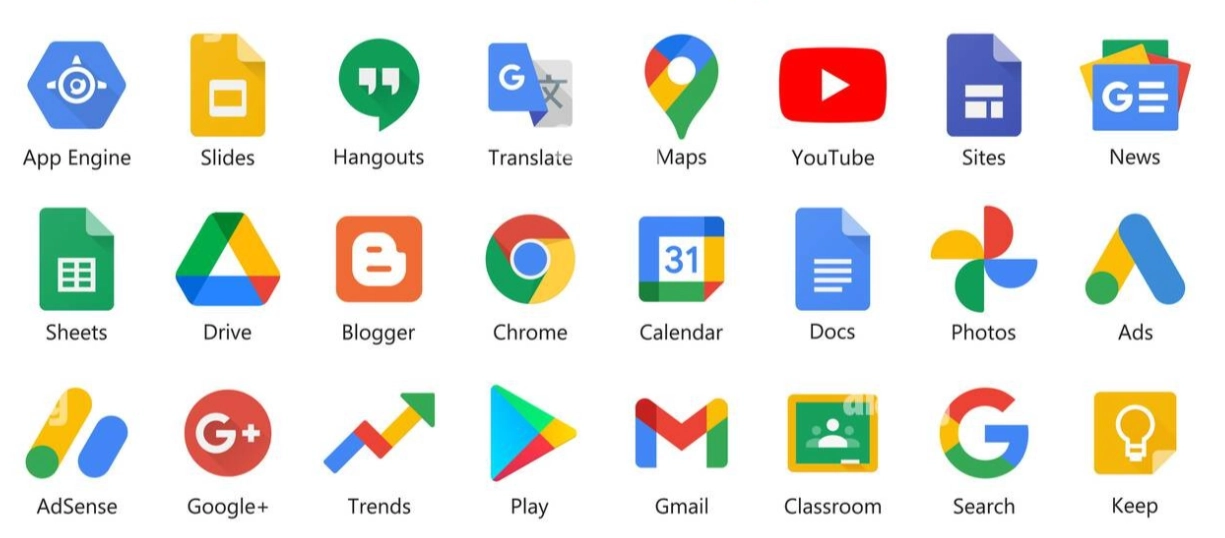
Learn how to navigate Google’s ecosystem, streamline Workspace productivity tools, organize Pixel and Nest devices, and manage account privacy and storage effectively.

Learn how to automate computer cleanup using smart folder rules, built-in storage tools, package managers, and cloud offloading to keep your system fast and clutter-free.

Learn how to access and control another computer remotely using built-in Windows and Mac tools, Chrome Remote Desktop, or dedicated third-party apps securely.