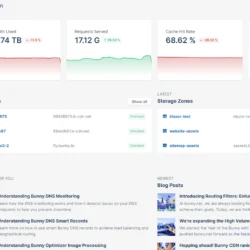
Host massive files cheaply at the edge by pairing Bunny Storage with a CDN to eliminate cloud egress fees and accelerate global downloads.

Your Technology Advisor
Your Technology Advisor
Host massive files cheaply at the edge by pairing Bunny Storage with a CDN to eliminate cloud egress fees and accelerate global downloads.
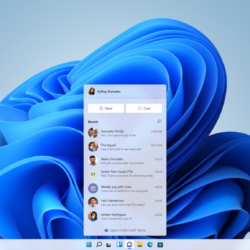
Fixing a Blue Screen of Death (BSOD) on Windows 11 requires a systematic approach. Before starting, gather the following items and information to ensure you are not interrupted mid-process: Time…

Over time, Windows 11 gathers gigabytes of temporary data: upgrade remnants, browser caches, thumbnail databases, and application temp files. Clearing these out frees up hard drive space and eliminates mysterious…

Learn how to bypass slow cloud services and transfer huge photo libraries directly from your iPhone or Android device to an external SSD.
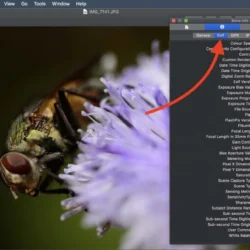
Your photos carry more than pixels — hidden EXIF metadata can reveal your camera, settings, and even exact GPS location. Here’s how to check for it and strip it out before you share.
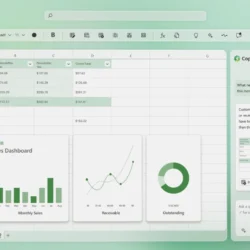
Excel formula errors are useful clues once you know how to read them. Here’s what #DIV/0!, #VALUE!, #REF!, #N/A, #SPILL! and other common error codes actually mean, and how to fix each one properly.
Default Excel formatting buries the numbers that matter. This guide covers practical, low-effort ways to build hierarchy, color, and layout so your spreadsheets read like a polished report instead of a raw data dump.
Temporary files pile up quietly on every Windows PC, eating disk space and sometimes slowing things down. This guide walks you through five safe, built-in ways to find and delete them.
Windows 11 doesn’t show CPU temperature in Settings, but there are several easy ways to check it — from the BIOS to free tools like Core Temp and HWiNFO64. This guide covers every method so you can keep your PC running safely.
Not sure what processor or how much RAM your PC has? This guide walks you through six built-in Windows methods to check your full system specifications — no extra software needed.