Turn an old Windows PC into a reliable home lab with practical guidance on hardware, virtualization, networking, security, backups, and troubleshooting.
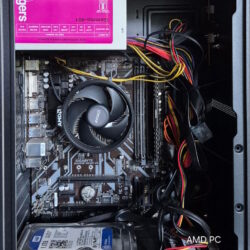

Your Technology Advisor
Your Technology Advisor
Turn an old Windows PC into a reliable home lab with practical guidance on hardware, virtualization, networking, security, backups, and troubleshooting.
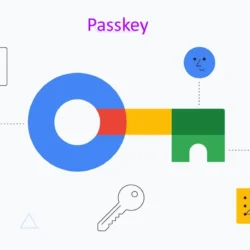
A passkey lets you sign in without typing a password. You usually approve the sign-in with your device’s fingerprint reader, face recognition, screen-lock PIN, or a physical security key. Behind…
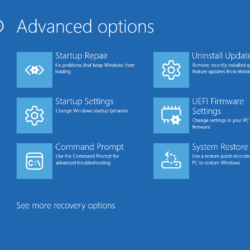
A Windows boot failure can come from a damaged update, incompatible driver, corrupted system files, failing hardware, or broken startup configuration. The safest approach is to identify where startup stops,…
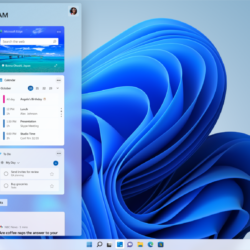
Windows 11 offers a modern interface, powerful features, enhanced security, and improved productivity tools. However, over time, even a capable PC can begin to feel slow, experience longer startup times,…
You are sitting in front of a blue terminal window needing to restart a stuck service, clear out log files, or pull system details from a remote server, but the…

Over time, Windows 11 gathers gigabytes of temporary data: upgrade remnants, browser caches, thumbnail databases, and application temp files. Clearing these out frees up hard drive space and eliminates mysterious…
The Windows Run dialog is one of the fastest ways to reach system tools, settings, and apps — if you know what to type. Here are the most useful Run commands every Windows user should have up their sleeve.
Temporary files pile up quietly on every Windows PC, eating disk space and sometimes slowing things down. This guide walks you through five safe, built-in ways to find and delete them.
If your computer behaves sluggish, blank windows shown app when running some applications, freezes from time to tile, restarting might be the final option before you. Restarting a computer can…

Learn how to use Grammarly to eliminate sentence clutter, adjust tone for any audience, and turn automated feedback into lasting English writing skills.