Learn how to find your IP address and understand its significance in the digital world.

Your Technology Advisor
Your Technology Advisor
Learn how to find your IP address and understand its significance in the digital world.
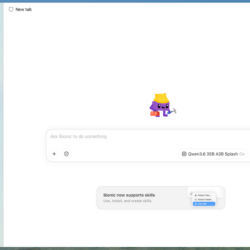
Set up a local Windows AI assistant with LM Studio, choose a model your hardware can handle, and verify that it works completely offline.
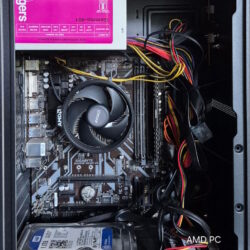
Turn an old Windows PC into a reliable home lab with practical guidance on hardware, virtualization, networking, security, backups, and troubleshooting.
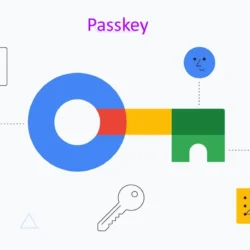
A passkey lets you sign in without typing a password. You usually approve the sign-in with your device’s fingerprint reader, face recognition, screen-lock PIN, or a physical security key. Behind…
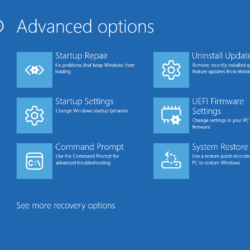
A Windows boot failure can come from a damaged update, incompatible driver, corrupted system files, failing hardware, or broken startup configuration. The safest approach is to identify where startup stops,…
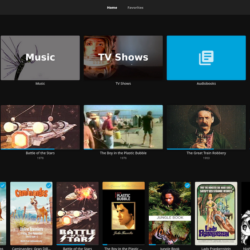
Self-hosting means running services on hardware you control instead of relying entirely on a provider’s servers. A home server can store documents, back up computers, organize photos, stream movies, and…
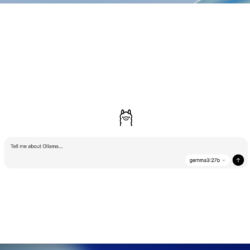
Running AI locally on your Windows PC gives you the freedom to explore powerful AI models without relying entirely on cloud-based services. Whether you want to run chatbots, generate content,…
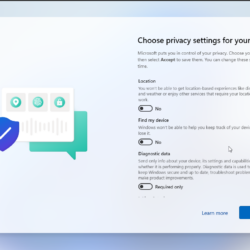
Home internet security is about protecting your network, devices, accounts, and personal information together. A secure router cannot stop someone from stealing your email password, and antivirus cannot fix an…
Windows 11 offers a modern interface, powerful features, enhanced security, and improved productivity tools. However, over time, even a capable PC can begin to feel slow, experience longer startup times,…

Learn how Bunny Optimizer automates WebP conversion, dynamic image resizing, and edge compression to improve Core Web Vitals and lower bandwidth costs.