
Your Technology Advisor
Your Technology Advisor

Install Ollama, choose models that fit your hardware, and run LLMs locally on macOS, Windows, or Linux for private, offline AI workflows.

Learn how to bypass slow cloud services and transfer huge photo libraries directly from your iPhone or Android device to an external SSD.
Why WordPress? WordPress powers over forty percent of all websites on the internet, and for good reason. It scales seamlessly from a personal diary to a massive e-commerce store. Unlike…
WordPress.org vs. WordPress.com: The Crucial Difference Before buying a domain or picking a theme, you need to clear up the most common point of confusion in web development: the difference…

Run targeted stress tests and S.M.A.R.T. checks to detect failing HDDs or SSDs before data loss occurs, then take appropriate steps for replacement and recovery.
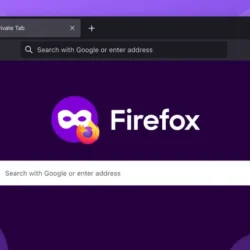
Private browsing doesn’t fully protect your privacy; learn what it does, what it doesn’t, and how to truly secure your data.
Master PuTTY’s advanced features including port forwarding, key authentication, session management, and automation for efficient remote administration.

The old world of Twitter clients is gone, replaced by a more practical mix of monitoring dashboards, thread writers, schedulers, and analytics tools built to work around the X app rather than replace it.
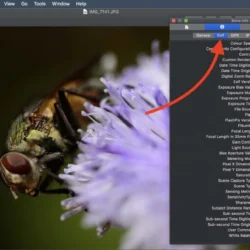
Your photos carry more than pixels — hidden EXIF metadata can reveal your camera, settings, and even exact GPS location. Here’s how to check for it and strip it out before you share.
Excel formula errors are useful clues once you know how to read them. Here’s what #DIV/0!, #VALUE!, #REF!, #N/A, #SPILL! and other common error codes actually mean, and how to fix each one properly.